
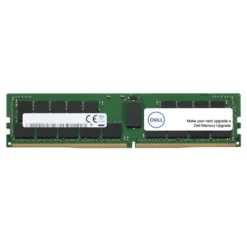
Dell Server Accessories
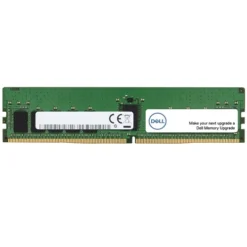
Dell Server Accessories
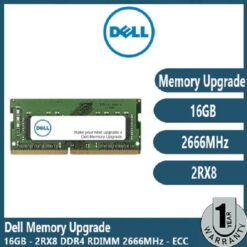
Dell Server Accessories
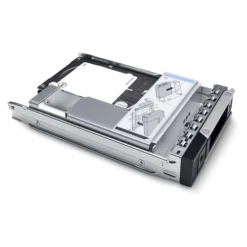
Dell Server Accessories
Dell Server Accessories
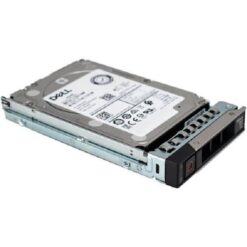
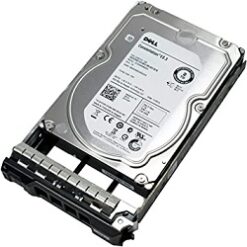
Dell 1.2TB 10K RPM SAS 12Gbps 512n 2.5in Hot-plug hard drive
Dell Server Accessories
Dell Server Accessories
Dell Server Accessories
Dell Server Accessories
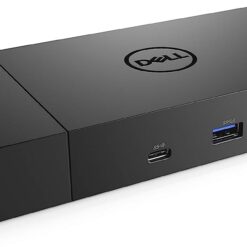
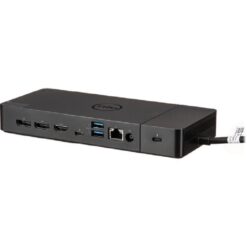
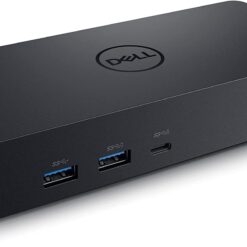
Dell Universal Dock – D6000S Connect Up to Three 4K Displays
Dell Server Accessories
Dell Server Accessories
Dell Server Accessories
Dell PowerEdge Components and Server Upgrades
Maintaining enterprise computing equipment requires compatible replacement hardware. Compare storage, memory and power components based on the exact Dell PowerEdge model and supported specifications.
Dell Enterprise SAS Hard Drives
Explore enterprise storage options with different capacities, spindle speeds and SAS interfaces. Confirm drive form factor, supported controllers and carrier requirements before purchasing.
Dell Server Memory Upgrades
Compatible ECC memory modules can support server upgrades and increased workload requirements. Check DDR generation, RDIMM specifications, memory speed and supported capacity.
Dell Power Supplies and Replacement Parts
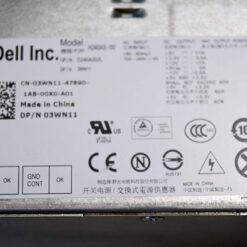
Replacement power supplies help maintain supported equipment. Match the part number, wattage, connector requirements and server compatibility.
Dell Server Accessories and Compatibility
For official manuals, compatible components and technical information, visit Dell Support. Enter your server's Service Tag to locate model-specific documentation.
What to Check Before Ordering
- Server model: Identify the exact PowerEdge model and generation.
- Part number: Match the Dell replacement part or supported equivalent.
- Memory: Verify ECC, RDIMM, speed and capacity requirements.
- Storage: Check SAS/SATA interface, drive size and controller support.
- Power: Confirm PSU wattage and compatibility.
- Condition: Verify whether the component is new, refurbished or another stated condition.
Frequently Asked Questions
Are all Dell server components interchangeable?
No. Compatibility varies by PowerEdge model, generation and hardware configuration. Always check the exact specifications.
Can I upgrade Dell PowerEdge RAM?
Many PowerEdge systems support memory upgrades. However, the supported memory type, capacity and installation rules depend on the server model.
How do I identify a compatible Dell replacement part?
Use the server's model, Service Tag and manufacturer part number to check compatibility before purchasing.
Related Server Equipment
Explore Dell Servers and our complete Servers category for enterprise computing equipment.