
Projector Screen
Projector Screen
Projector Screen
Projector Screen
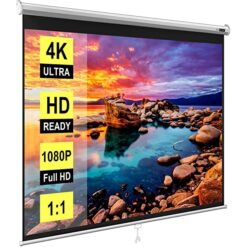
Projector Screen
Choosing the Right Projection Screen
A suitable projection screen helps provide a consistent viewing surface for business presentations, education and home entertainment. Consider screen size, aspect ratio, installation method and room layout before purchasing.
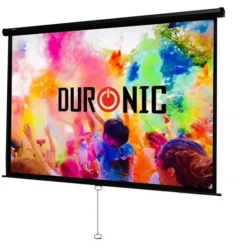
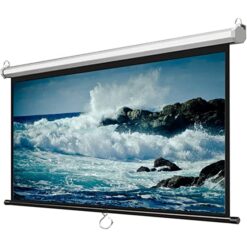
Manual Pull-Down Screens
Manual screens are suitable for offices, schools and meeting rooms. They can be extended when needed and retracted after use.
Motorized Projection Screens
Motorized screens use an electric mechanism to extend and retract the viewing surface. Selected models support remote-control operation and wall or ceiling installation.
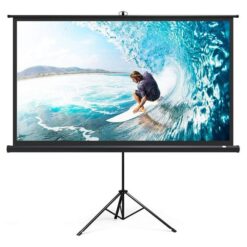
Tripod and Portable Screens
Portable screens provide flexible solutions for training sessions, temporary presentations and locations without permanent mounting facilities.
Important Features to Compare
- Screen size: Choose suitable dimensions for your viewing distance.
- Aspect ratio: Compare 4:3 and 16:9 formats.
- Installation: Consider wall, ceiling or tripod mounting.
- Operation: Select manual or motorized mechanisms.
- Screen material: Consider surface characteristics and viewing conditions.
- Compatibility: Match the screen dimensions to your projector's image size.
Frequently Asked Questions
What size projection screen should I buy?
The ideal size depends on room dimensions, viewing distance, projector throw ratio and audience seating arrangement.
What is the difference between manual and electric screens?
Manual screens are extended by hand, while electric models use a motorized mechanism. The suitable option depends on your installation requirements and budget.
Can a projector screen be installed on the ceiling?
Yes. Many fixed-installation screens support ceiling or wall mounting. Confirm the manufacturer's installation requirements before purchasing.
Related Projection Equipment
Browse Projectors and Epson Projectors for related equipment.