
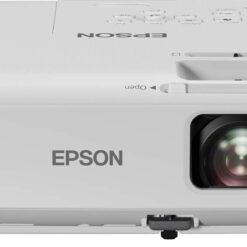
Epson Projectors
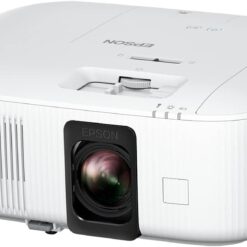
Epson Projectors
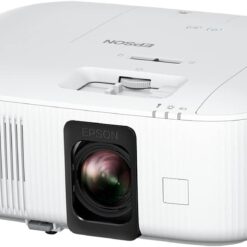
Epson Projectors
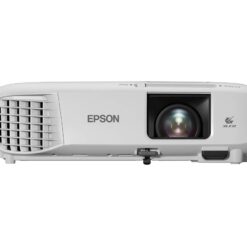
Epson Projectors
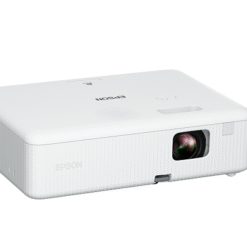
Epson Projectors
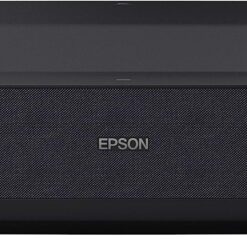
Epson Projectors
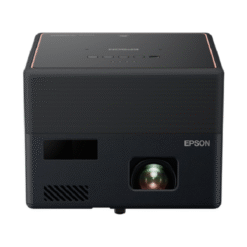
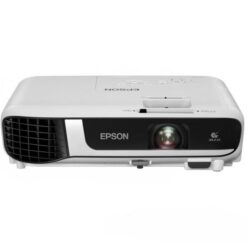
Epson Projectors
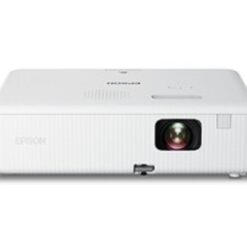
Epson Projectors
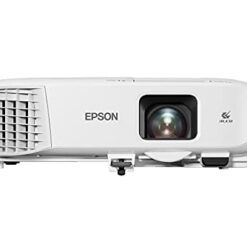
Epson Projectors
Choosing the Right Epson Projector
Epson offers projection solutions for business, education and entertainment applications. When selecting a model, consider room lighting, image size, resolution and installation requirements.
Epson Business and Presentation Projectors
Business presentation models are suitable for meetings, boardrooms and training sessions. Consider brightness, HDMI connectivity and image clarity when comparing options.
Epson Education and Classroom Models
Educational projection equipment helps teachers and trainers display learning materials, videos and presentations. Brightness and viewing distance are especially important in classrooms.
Epson Home Entertainment Models
Home entertainment projectors provide large-screen viewing for movies and multimedia content. Compare supported resolutions, contrast performance and installation distances.
Important Features to Compare
- Brightness: Choose suitable lumen output for room lighting.
- Resolution: Compare WXGA, Full HD and other supported formats.
- Light source: Check lamp or laser technology and maintenance requirements.
- Throw distance: Confirm the installation distance needed for your screen size.
- Connectivity: Check HDMI, USB and supported wireless options.
- Installation: Consider projector placement and compatible screens.
Frequently Asked Questions
Which Epson model is suitable for office presentations?
Choose a business model with sufficient brightness, readable resolution and compatible connections for your meeting room.
Are Epson projectors suitable for schools?
Yes. Epson offers education-focused models for classrooms and training environments. The best choice depends on room size, lighting and teaching requirements.
What is the difference between lamp and laser models?
They use different light source technologies. Laser models generally require less light-source maintenance, although lifespan and operating costs depend on the specific model.
Related Projection Equipment
Explore our Projectors category for additional options and related equipment.